06.03.2026
The technological world is changing at breakneck speed, and one of the most significant transitions in recent years is the shift from plastic SIM cards to the invisible but powerful eSIM technology. While we once had to hunt for a paperclip to open the tiny tray on the side of our phones, today everything happens digitally. But what exactly is an eSIM, and why is this technology becoming the standard for new mobile devices? In this guide, we will take an in-depth look at everything—from the technical mechanics to practical tips for travelers.
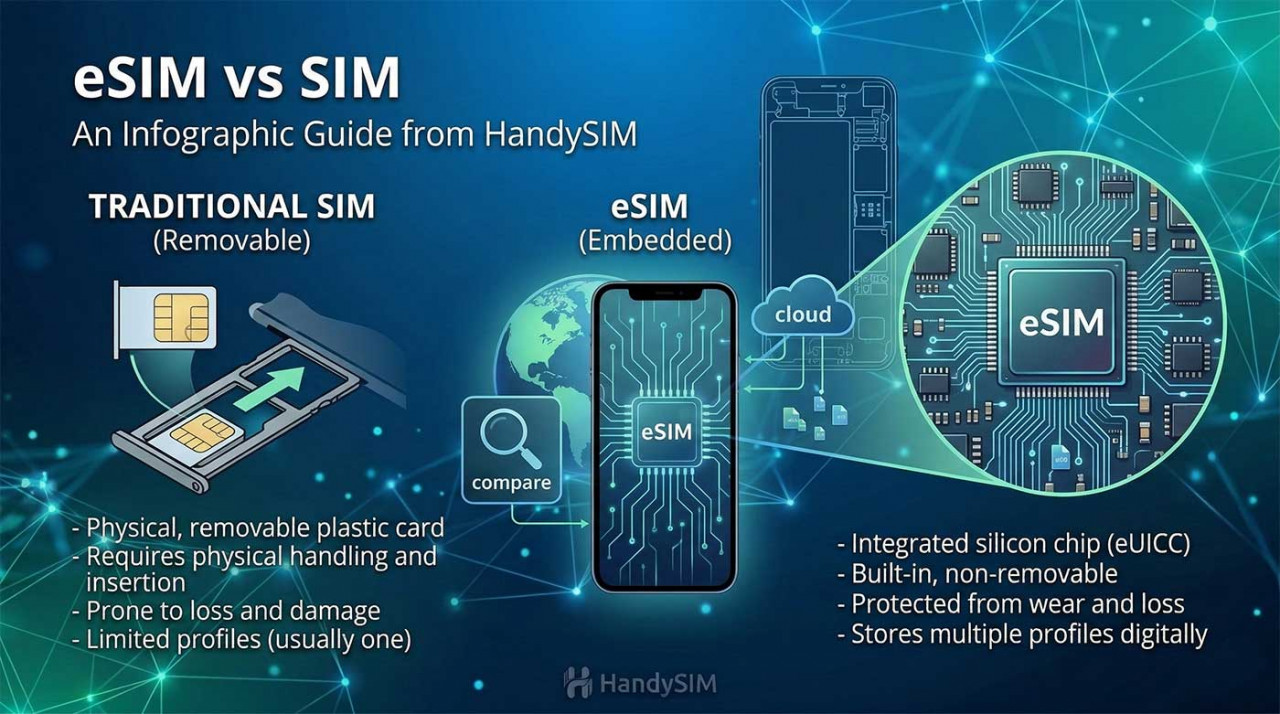
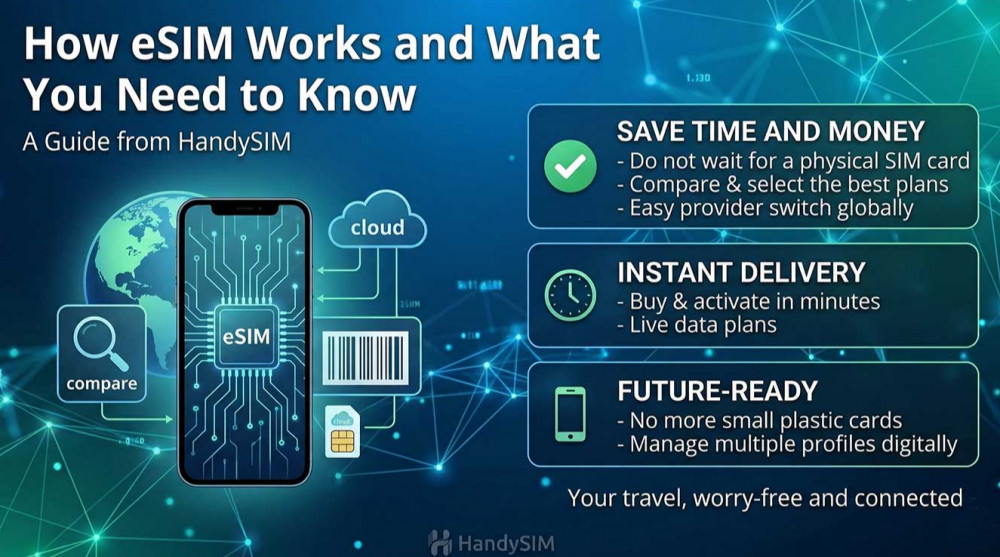
In short, eSIM stands for Embedded Subscriber Identity Module. Unlike a traditional physical SIM card, which is a small piece of plastic with a chip, an eSIM is built directly into the motherboard of your smartphone, tablet, or smartwatch during the manufacturing process at the factory.
The primary difference lies in physical presence and flexibility. A physical card is a removable piece of plastic; if you want to change your provider or plan, you must physically remove it and insert a new one. This often involves waiting for a courier or visiting a retail store. With an eSIM, changing your operator or plan happens entirely through software. The change occurs by reprogramming the chip without ever needing to touch the device's hardware.
Manufacturers like Apple, Samsung, and Google are moving toward this technology for several key reasons:
Understanding how an eSIM works doesn't require an engineering degree, but knowing the process is important so you can feel confident during activation. eSIM technology is software-defined, meaning the chip in your phone is an empty "digital container" ready to receive and store your data.
Unlike old technology where your number and plan information were physically "locked" into plastic, here we have an intelligent built-in chip called an eUICC. It is designed to be extremely secure and can store multiple profiles simultaneously. This means you can have profiles for different countries or operators installed on the same chip.
Instead of receiving an envelope with a card, you order a plan online. The operator (such as HandySIM) generates a unique "digital profile." This profile is your virtual passport to the mobile network—it contains all the encrypted security keys and identification data your phone needs to connect safely to the mobile operator's towers.
This is the digital bridge between your purchase and your device. When you scan the provided QR code, your phone's software receives exact instructions on which server to download your personal profile from. If your camera has an issue, there is always an option for manual entry using an Activation Code—a string of characters that performs the same function as the QR code.
Once the profile is successfully downloaded onto the embedded chip, the device initiates a "digital handshake" with the network. Your device sends its unique identification, and if it matches the operator's data, the network grants internet access. This automatic process takes from a few seconds to a maximum of one minute, after which you will see the signal indicator on your screen.
When it comes to our personal data and access to bank accounts, security is a top priority. Many users ask if a digital SIM card is as reliable as a physical one. The short answer: eSIM is a significantly more secure technology. Here’s why:
The process of downloading a profile from the operator's server (like HandySIM) to your device is protected by state-of-the-art encryption protocols. The profile is transferred through a secure channel and installed directly into the eUICC chip, making it virtually impossible for third parties to intercept the information.
One of the most common scams with physical SIM cards is "SIM swapping." This is where hackers convince an operator to issue a new SIM card with your number, giving them access to your passwords and banking confirmations. With an eSIM, this is much harder because the profile is digitally bound to the specific hardware chip of your device and cannot be easily "cloned" or moved without your knowledge and biometric confirmation (FaceID or fingerprint).
If your phone is stolen, a physical SIM card can be removed in seconds, which cuts the device's internet connection and makes "Find My iPhone" or "Find My Device" useless. However, the eSIM chip is integrated and cannot be removed. This means that as long as the phone has battery life, it will remain connected to the network, allowing you to locate it or wipe your data remotely.
Each eSIM profile is protected by software security certificates. Even if someone obtains access to your installation QR code, most systems allow the code to be used only once and on one specific device, adding another layer of protection to your digital identity.
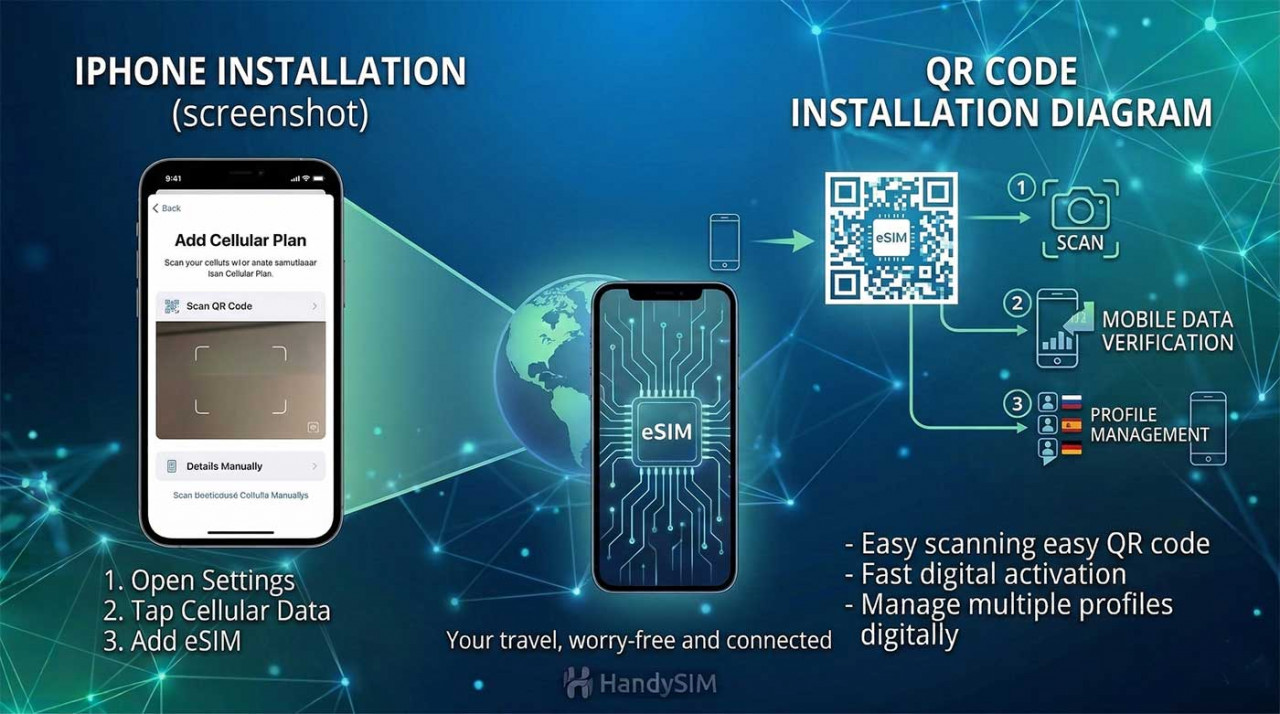
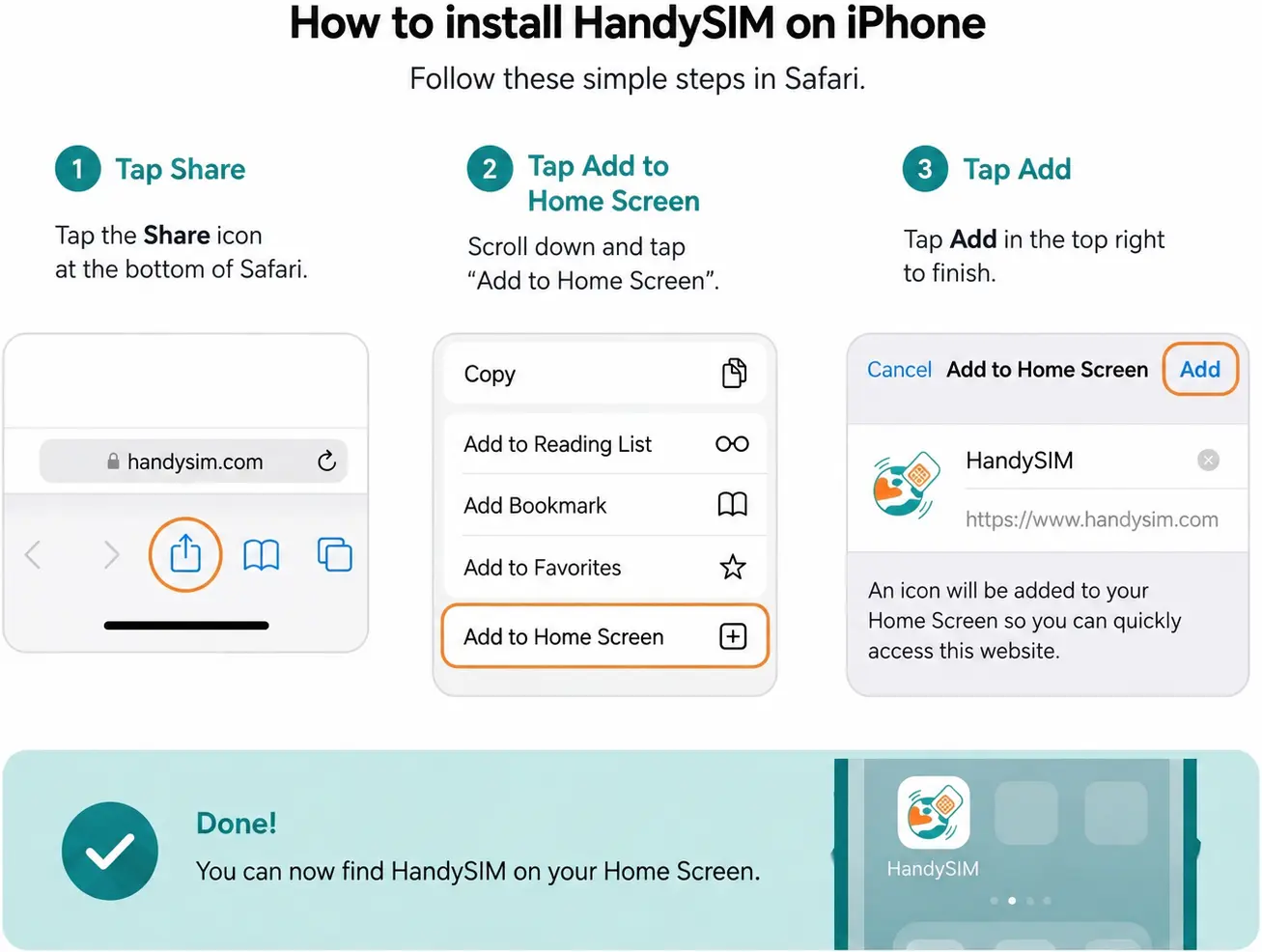
Installation is extremely easy and intuitive, though the steps vary slightly depending on whether you are using an Apple or Android device.
One of the greatest advantages of eSIM is its global compatibility. Today, almost every country in the world supports this technology through its leading operators. This has entirely changed the way we travel, allowing us to access the internet as soon as the plane touches the runway.
With HandySIM, you can purchase plans that automatically connect to the best local networks in more than 190 destinations. If you are planning a trip abroad, eSIM technology makes connecting to the internet much easier and more convenient. Instead of looking for a local operator or buying a physical SIM card at the airport, you can activate mobile data before you even leave. For example, you can learn more about how mobile internet works in the USA, Turkey, or the UK, as well as browse available eSIM plans for regions like Latin America, Thailand, and China. This allows you to have a connection immediately upon landing—no contracts, no on-site registration, and no risk of expensive roaming charges.
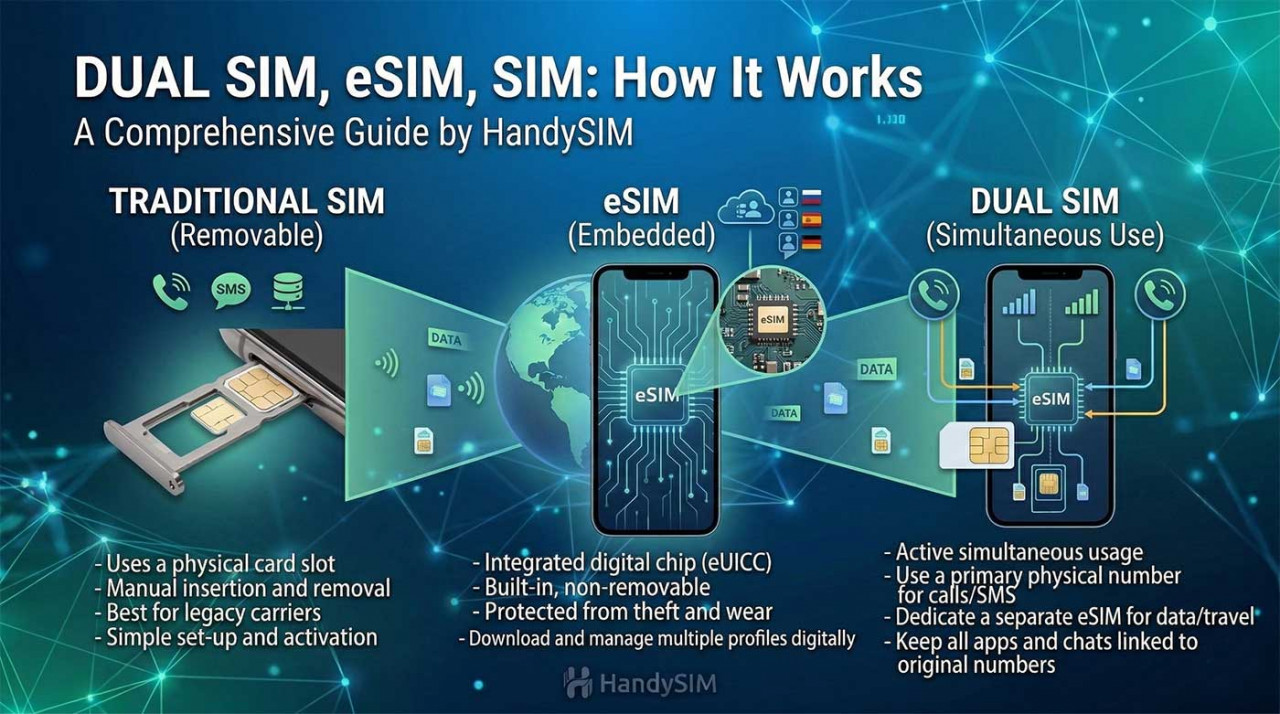
This is one of the most searched topics and the biggest advantage for the modern user. Most smartphones support Dual SIM functionality, meaning both cards work in parallel.
You can leave your standard physical SIM card from your local provider in the slot. This allows you to continue receiving incoming calls and important SMS messages for banking confirmations or two-factor authentication. At the same time, you activate your eSIM for internet data. In the settings, you simply specify that you want mobile data to go through the eSIM profile while calls go through your physical card.
People often worry about losing their chats. The truth is that apps like WhatsApp, Viber, Messenger, and others are tied to the software registration of your phone number. Even when you change the source of your internet data to an eSIM, these apps will continue to work with your original number. You don't need to change anything—your messages, groups, and contacts remain completely intact.
This is a critical question for every traveler. Yes, an active internet connection is mandatory for the initial installation of the profile.
This is necessary because your phone must connect to the operator's server to download the digital profile onto the chip. You can use:
When you arrive at an airport abroad, the switching process is as simple as possible:
While revolutionary, there are a few aspects of the technology you should be aware of:
Looking for a phone that supports eSIM before your trip? Check out our guide to the best budget eSIM phones for travel, including Samsung, Pixel, Motorola, Nothing and iPhone models compatible with international eSIM plans.
The easiest way is to check your phone's settings directly. For iPhone users: go to Settings > Cellular > Add eSIM. For Android users: go to Settings > Network & Internet > SIMs > +. If you see an option to download a SIM or scan a QR code, your device is compatible. Most models manufactured after 2019 (such as iPhone 11 and newer, Samsung S20 and newer, or Google Pixel 3 and newer) support this technology.
No, absolutely not. You can keep your physical SIM card inside the phone. The eSIM works as a second, completely independent line. This is ideal for travel – you keep your Bulgarian number active for emergency calls or banking SMS, and you use the eSIM exclusively for affordable internet data while abroad.
Generally, no. For security reasons, most eSIM profiles are designed for a one-time installation on one specific device. If you plan to change your phone, you should first check the terms of your plan, as transferring the profile often requires the issuance of a new QR code from the provider.
The process is extremely fast. After scanning the code, downloading the profile usually takes between 30 seconds and 2 minutes. After that, the phone registers on the local network automatically. The entire process "from purchase to browsing" takes about 5 minutes.
No, provided that you have set up your phone correctly. You must select the eSIM card as the primary source for "Mobile Data" in your settings. By doing this, all internet traffic will pass through the prepaid HandySIM package, and not through your home operator's expensive roaming rates.
Nothing changes. WhatsApp, Viber, Messenger, and other chat applications will continue to work with your original Bulgarian number. When you activate the data, the application might ask if you want to keep your old number or switch to a new one – you should always choose "Keep my existing number."
Yes. Since you are using an international eSIM, the phone perceives it as "roaming" relative to the country you are currently in. Enabling "Data Roaming" in the settings of the specific eSIM profile is mandatory so that you can access the internet network of the local operator.
Most modern smartphones allow you to have between 5 and 10 different profiles installed in the memory. However, usually only one or two of them can be active at the same time. This is very convenient if you travel frequently between different countries – you simply activate the required profile with a single click.
Yes, this is one of the most secure methods available. The transaction is fully encrypted, and the QR code is sent directly to your email. Furthermore, you do not have to share personal documents or passport copies with third parties, as is often required when purchasing a physical SIM card at a local shop abroad.
If you delete the profile, the connection will be cut immediately. Since most QR codes are for one-time use, you will need to contact the HandySIM support department so they can assist you with a new profile or re-activation, depending on the specific terms of your plan.