20.04.2026
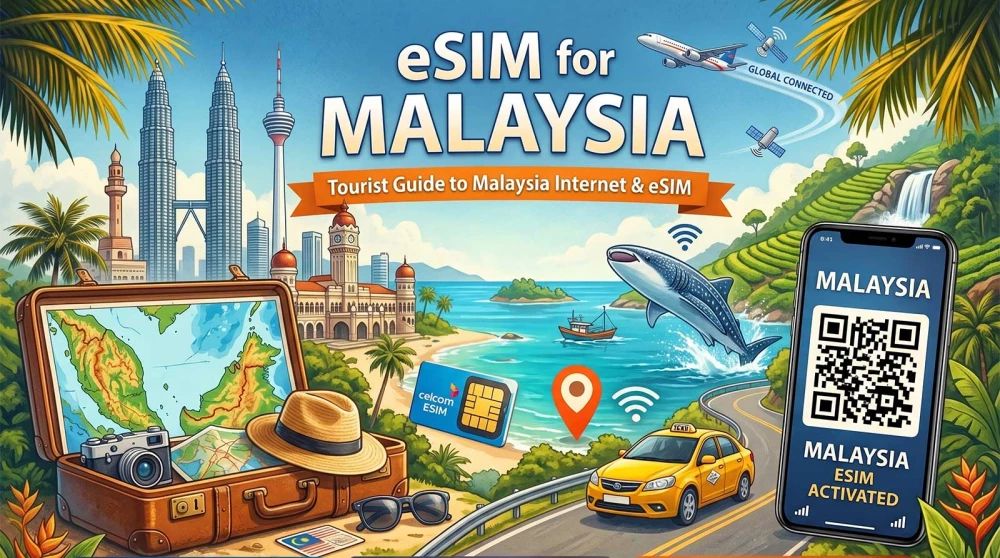
Want to have internet in Malaysia right after landing, without paying expensive roaming fees? Here are the best options, including eSIM solutions, coverage insights, and practical tips for travelers.
Malaysia is one of the most dynamic and technologically advanced countries in Southeast Asia. From the futuristic skyline of Kuala Lumpur with its iconic Petronas Towers to the ancient rainforests of Borneo and the pristine beaches of the Perhentian Islands – this country offers it all. But to truly enjoy this adventure, you need one critical thing: a reliable and affordable internet connection.
In Malaysia, your smartphone is your best friend. You will use it for the Grab app (vital for transport and food), navigating with Google Maps through the tangled streets of George Town, translating local menus, and staying in constant touch with your loved ones. The problem? Standard roaming from abroad is outrageously expensive, and relying on public WiFi is an insecure strategy.
The most effective solution is a Malaysia eSIM, activated before your flight. This gives you independence and a connection the second you land.
When planning your trip, you have four main ways to stay connected. Let's look at them in detail so you understand why one dominates the rest.
Malaysia falls into "Zone 3" or "Non-EU Zone" for most international mobile operators. This means:
You can purchase a card on-site from major operators (Maxis, CelcomDigi, U Mobile).
While WiFi is available in major malls (like Pavilion, Suria KLCC, or Mid Valley) and hotels, it is not a solution for real travel.
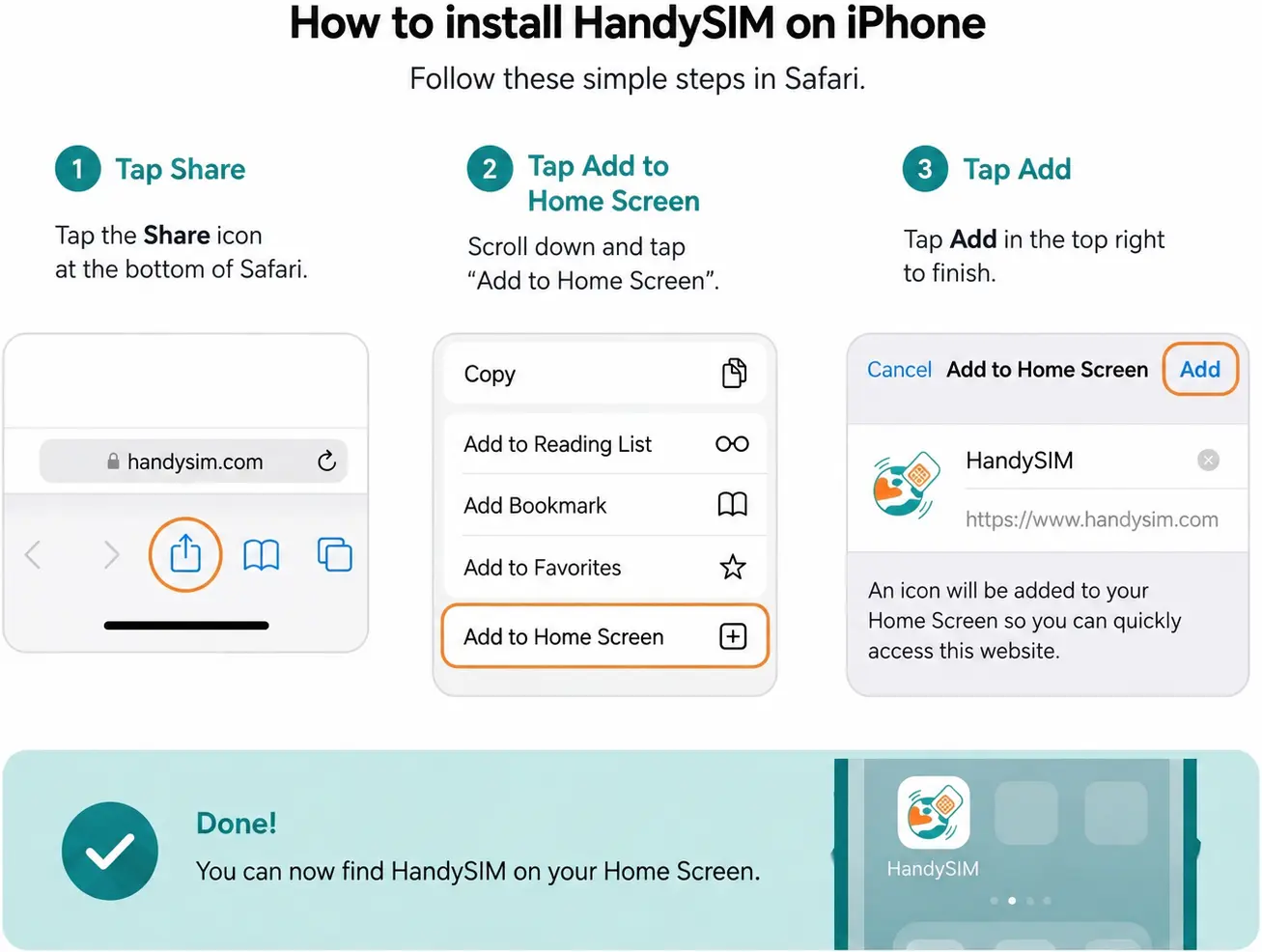
This is a digital profile installed on your phone via a simple QR code.
👉 View Malaysia eSIM plans from HandySIM
| Method | Price | Convenience | Speed | Risk |
| eSIM | Low | ⭐⭐⭐⭐⭐ | High (4G/5G) | Minimal |
| Local SIM | Medium | ⭐⭐⭐ | High | Medium (loss of card) |
| Roaming | Extreme | ⭐⭐ | Medium | Very High (bills) |
| WiFi | Free | ⭐ | Low | High (security) |
The Malaysian market is dominated by a few giants. It is important that your eSIM supports a connection with the best among them:
Expert Tip from HandySIM: Always ensure your eSIM has access to the Maxis or Celcom networks to ensure you don't lose coverage right when you need navigation.
Internet signals in Malaysia are not the same everywhere. Here is a brief overview:
Malaysia has a great transport network, but connectivity varies:
A common phenomenon in Malaysia is seeing a full signal on your phone, but pages won't load. This usually happens due to network congestion in densely populated areas (like during festivals in Little India or Chinatown) or because of the thick concrete walls in massive malls.
How to react quickly?
Data consumption in Asia is higher than expected because you often use video calls and heavy navigation apps.
HandySIM Recommendation:
The process is designed to be as easy as possible:
Malaysia is the perfect "springboard" for exploring all of Southeast Asia. Due to its strategic location, many travelers combine their stay in Kuala Lumpur with a short flight to the "City of Angels" or a train ride across the border. If you plan to expand your adventure, you don't need to look for new solutions at every border.
You can prepare in advance with our Thailand eSIM if you are heading north to Phuket or Bangkok. For those planning to cross the modern southern border, we offer a reliable Singapore eSIM, which will provide you with 5G speeds immediately after passport control.
In case your journey continues to the exotic beaches of Bali, our Indonesia eSIM is the ideal choice for seamless connectivity in nature. And for those planning a true Asian tour through several countries, the most practical and economical solution is our Asia Regional eSIM – a single plan covering over 20 destinations without needing to change settings upon every arrival.
Apps like Facebook, Instagram, and email update constantly in the background. This quietly consumes up to 30% of your megabytes. Disable this option in your iPhone or Android settings.
In your phone settings, set a "Data Limit Alert" at 80% of your package. This way, you'll receive a notification before you're left without internet at the worst possible moment.
If you have a smaller data package, use apps like Facebook Lite or Messenger Lite. They consume up to 50% less traffic.
This is the biggest data consumer. Go into the settings of Instagram, Facebook, and TikTok and stop videos from playing automatically.
Download the language (Bahasa Melayu) for offline use. This not only saves data but also works much faster when you are in remote areas.
Photos and videos you take can automatically upload to the cloud. A single 4K video can be over 500MB. Set backups to occur only via WiFi.
The 5G network is extremely fast, but it drains your phone's battery much quicker. If your battery is running low, manually switch to 4G in the settings.
In settings under "Data Usage," you can see exactly which app is "eating" your package. Often, these are system services or apps you don't suspect.
Accessing social networks through a browser (e.g., Chrome or Safari) often consumes less data and battery than the mobile app itself.
VPN services add an extra "layer" to your traffic, which slows down the speed and slightly increases data consumption. Use them only when accessing banking apps over public WiFi.
To be 100% sure of your success:
Malaysia is a magical destination that becomes much easier and more enjoyable to explore when you are connected to the internet. Save yourself the stress of high roaming bills and the insecurity of public networks. With a HandySIM eSIM, you control your costs and enjoy lightning speed from the first minute of your trip.
👉 Get your Malaysia eSIM today and travel with peace of mind!
Yes, Malaysia offers excellent internet connectivity, especially in urban areas and popular tourist destinations. The country boasts a modern 4G and 5G infrastructure that provides high speeds for navigation and streaming.
Yes, eSIM technology is widely supported by major local operators and international providers. It is the preferred method for tourists as it allows for instant activation without the need for physical card replacement.
Yes, standard roaming for international travelers in Malaysia is extremely expensive because the country falls into a premium tariff zone. Data prices can lead to massive bills, making an eSIM or a local card a necessity.
Yes, the 5G network is highly developed in Kuala Lumpur, Penang, Johor Bahru, and other major cities. Coverage is expanding rapidly, offering lightning-fast speeds for users with compatible devices and plans.
Maxis (Hotlink) is considered the best operator due to having the widest and most stable coverage across the entire country. CelcomDigi is an excellent runner-up, offering exceptionally fast speeds in urban centers. U Mobile is a good budget option, but its signal can be weaker in remote or rural areas. The choice of operator depends on your itinerary, but for maximum reliability, Maxis is the gold standard.
Yes, investing in an eSIM is completely worth it for the immense convenience and security it provides. With an eSIM, you avoid airport queues and the need to share your private passport data with local vendors. Furthermore, you keep your primary SIM card active for important calls and banking SMS notifications. It is the most modern and economical solution for any contemporary traveler.
No, it is usually not worth waiting in line at the airport unless you failed to plan your internet in advance. Prices at airport counters are often higher than those in the city, and the registration process is tedious and time-consuming. It is also common for the most affordable packages to be sold out, forcing you to buy more expensive options. With an eSIM, you get the same connectivity immediately upon landing without wasting time.
To have stable internet outside major cities, you must choose a provider that utilizes the Maxis or Celcom network. In rural areas, mountain ranges, and smaller islands, the signals of smaller operators disappear quickly, while the major infrastructure players maintain a stable 4G connection. Always check if your eSIM supports roaming onto these specific networks before heading to the jungles of Borneo or the Perhentian Islands. It is also good practice to download offline Google Maps, as GPS signals can be inconsistent in dense tropical forests. Constant connectivity in the countryside is possible, but it requires the right choice of network partner.
The amount of data required depends on your habits, but for a standard 10-14 day holiday, we recommend at least 15-20GB. Transport apps like Grab and navigation maps consume a significant amount of data when used constantly in an unfamiliar environment. If you plan to upload videos to social media or make video calls to loved ones, consumption can easily exceed 1GB per day. For digital nomads or people who need to work remotely, an Unlimited plan is the safest option to avoid sudden disconnection. Always budget for a little extra data so you don't have to go searching for WiFi at critical moments.
The most reliable way to have internet the moment you land is through a pre-purchased and installed eSIM from HandySIM. The entire process is done online before your trip: you choose a plan, receive a QR code via email, and scan it into your phone's settings. When the plane touches the runway in Kuala Lumpur, you simply turn off airplane mode and activate the eSIM profile. This allows you to immediately order cheap transport via Grab, check your hotel reservation, or contact family without searching for airport WiFi. This method is not only the fastest but also protects your personal data, as no physical registration is required on-site.